
Let us get straight to the point here; the latest and greatest iPhone from Apple, is not as great as it used to be. Well, let us look at why this year’s iPhone is lacking in innovation and why many think it is a step back while Apple still feeds us the same fodder of being on the bleeding edge. There are three major questions that we need to ask in order to assess the current situation of the iPhone and what it means for the future of the product.


The 5G question:
If you recap the whole runtime of Apple’s event, you will realise that the main focus this year was on the 5G spectrum of network and how fast it will be. In fact, the event itself was named ‘Hi Speed’, a hint at what they have in store for their customers. When compared to last year and a year before that, Apple’s main focus was on cameras, and they actually spent more than 40 percent of their time speaking about the camera system on the iPhone 11 Pro. This year it was on speed which I think is good, but not immediately and not for all. Let me explain these two points in more detail.


The first is that 5G is basically in its infancy stage and will take at least one or two years to reach its peak in the most developed countries. This estimate is taking into consideration that the progress is stable throughout the country and many other manufacturers start putting out their phones on the 5G network. The second is regarding the countries where 5G is currently in operation. It is currently, in smaller segments, present in Europe, in a few countries in the American continent and the Middle East and Asia. it currently accounts for only 5 percent of the worldwide network and is majorly present in US, China, South Korea and Switzerland. So, Apple aiming the new iPhone at the 5G market seems reasonable as a company but for the consumers, it is a long shot to get 5G now. If in case we get 5G in the future, the price we are paying right now for the iPhone, only to not use 5G until two years from now, is too high.
The innovation question:
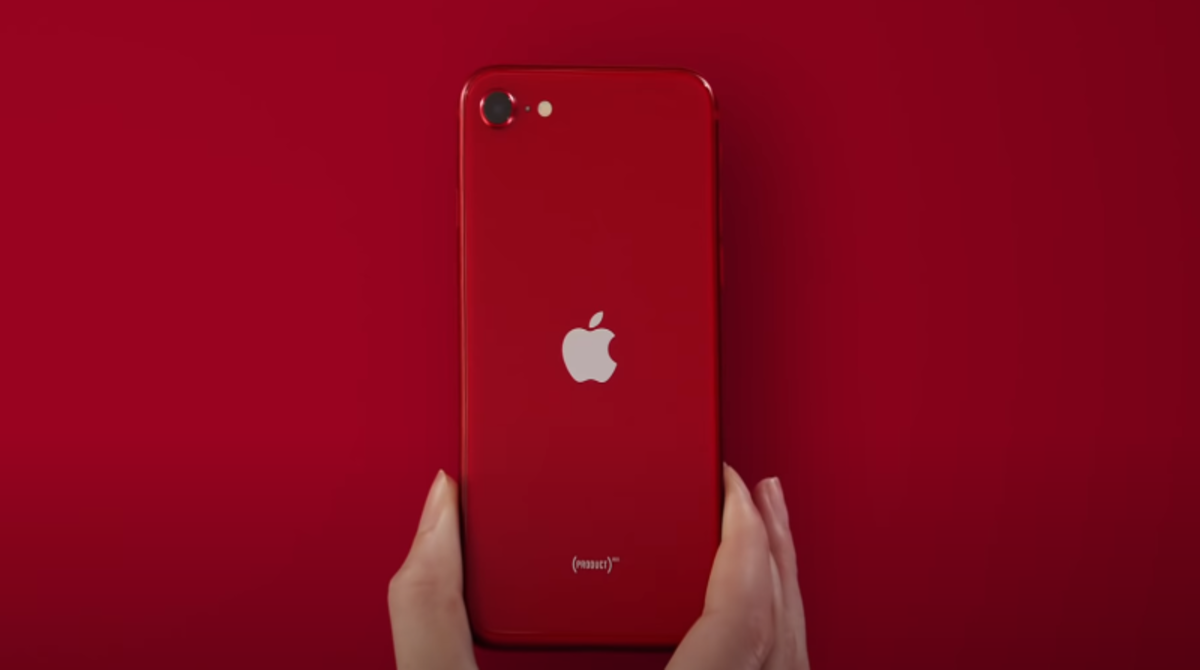
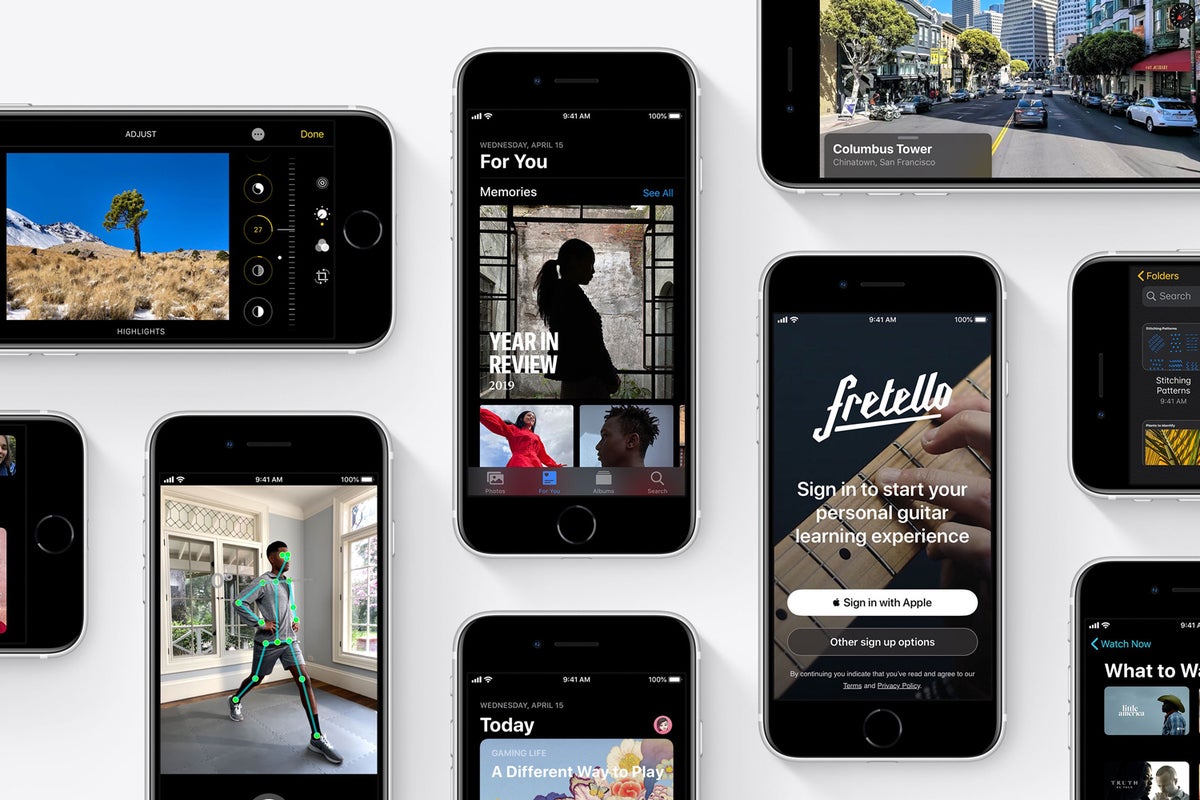
There are now three segments of the iPhone market; the affordable iPhone SE, the middle range iPhone 12 mini, and the Pro models. Although all the models unveiled this month have 5G, they have some differences and some of them are a step backwards. Now, I am not saying that taking a step back is a bad option, and given the company in question is Apple, it seems to be a reasonable decision. The sides of the phone have been made flat like the iPhone 5 and 5s which were well received by the consumers. Furthermore, the size of the iPhone mini is similar to the iPhone 6 which, according to Apple, ‘fits in your hand’. I am actually excited to see smaller iPhones but you lose the home button, get a notch, bigger display, and almost the same thickness as the iPhone 6. The colours are new this year but that’s all we get and that’s where the innovation stops.

Don’t take me wrong, but when I mean this, I mean that most people who buy these phones usually take the mid-range phones which does not include the cutting edge technology such as the Pro display, Deep Fusion for cameras, better OIS, Sensor shift, Apple ProRAW, HDR video recording with Dolby vision recording in 4K-60fps, a LiDAR scanner and many more which are only available on the Pro models. So, you see, this is unsettling for people who buy these mid-range iPhones as there are phones that can do much better, if not the same, for the same price range as the mid-range iPhones. In short, the iPhone 12 and the mini are like the economy class tickets which lets you get on the plane but not in the first class. If we stray further to the iPhone SE that was introduced a few months earlier, we basically see an older hardware with a new chip and a camera, you get the point?
The environment question:
The new iPhones will come in a compact box which will be devoid of a charger brick and the earpods and it is for the environment, according to Apple. Let us take another perspective here; what about new iPhone users and how will they get the accessories? What about existing iPhone users who still have the lightning to USB-A cable and brick. The new customers should, of course, buy the accessories separately which adds to the cost of the phone. The existing iPhone cables are usually broken, wriggled, torn, or in pieces. So the existing consumers cannot use the old cables that work with their USB-A wall adapter. They also cannot use the new cable that comes with the phone because, you guessed it right, it has a USB-C! So, you buy the new adapter again. In any of these cases, I do not see a win for the environment but just another clever sales strategy of Apple similar to what they did with the headphone jack in 2017.


The only logical explanation of ‘saving the environment’ was when they explained how the smaller boxes would mean that more boxes could be shipped per vehicle thereby reducing carbon footprint, but I doubt it will make any major strides. All in all, this seems like Apple shooting for more revenue at the same time convincing themselves that they are saving the world.
Finally, I do not understand why some people would buy this utter nonsense from Apple but then I realise that they did have had great innovations in the previous years. But this year, it is not Apple’s time although they tried really hard on stage to make it that way.


/chromiumcloudreadychromeos-5b81fb8446e0fb0025dcc00f.jpg)







 Alphabetech